Lift heavy. Glance. Tap. Phone stays in the bag.
A real lifting app for Apple Watch. Designed for wrist-first.

The whole workout. One wrist.
Start the workout, log each set, switch exercise, rest and finish. At every step the Watch shows what comes next.
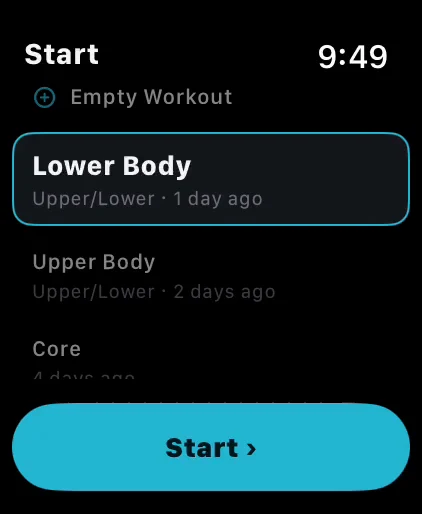
Start a workout from your wrist.
Your workouts are on the Watch, and the list opens on the one you trained last. Turn the crown to the one you want, tap Start and the first set is up. The iPhone stays in your bag.
- ✓Your own workouts: Rows show the program and when you last trained it.
- ✓Or start empty: Pick Empty Workout and add from your bookmarked and recent exercises as you go.
- ✓iPhone within reach: The Watch starts the workout through your iPhone, so keep it nearby. It can stay in the bag.
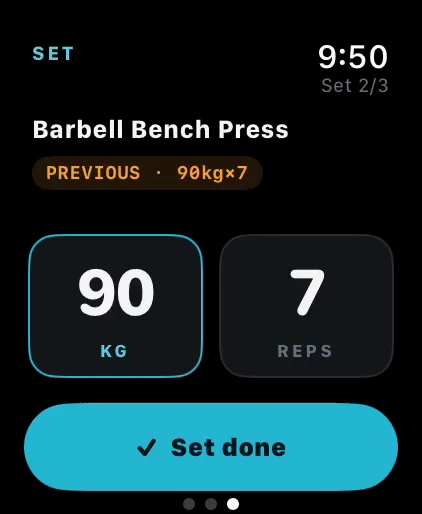
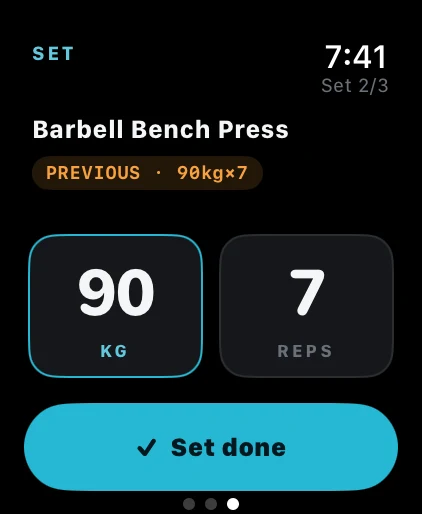
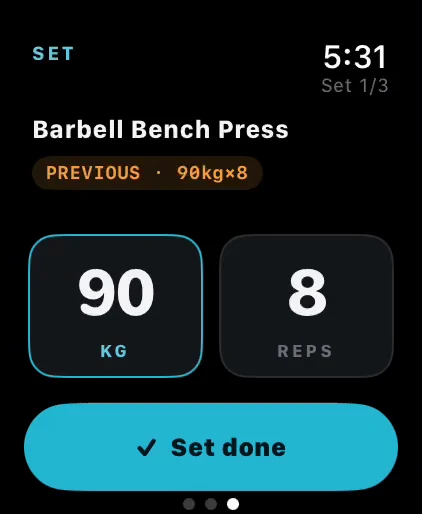
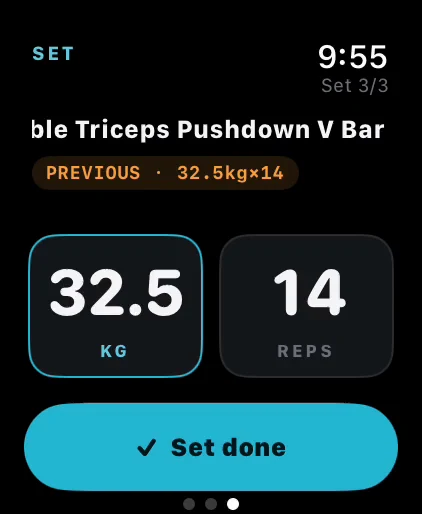
Two columns. kg left, reps right.
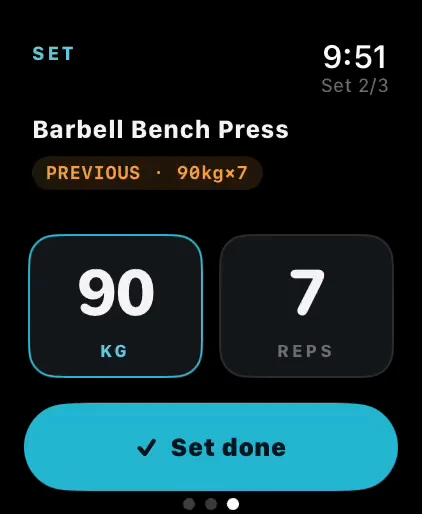
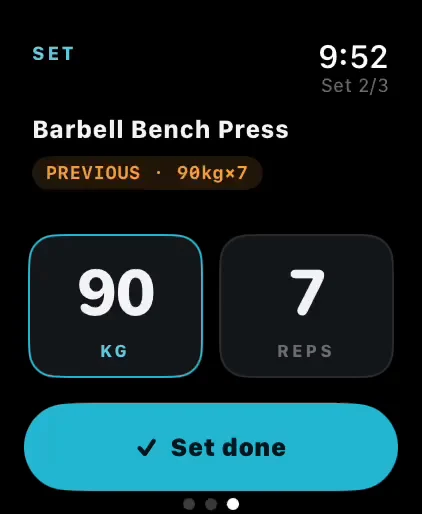
Same layout as your iPhone: kg on the left, reps on the right. Tap to swap focus, dial the crown to change the value. Two taps and the set's logged.
- ✓Numbers where your hand expects them: Same column order on every device. Muscle memory transfers.
- ✓Dial, tap, done: Crown sets the number, tap logs the set. That's the whole interaction.
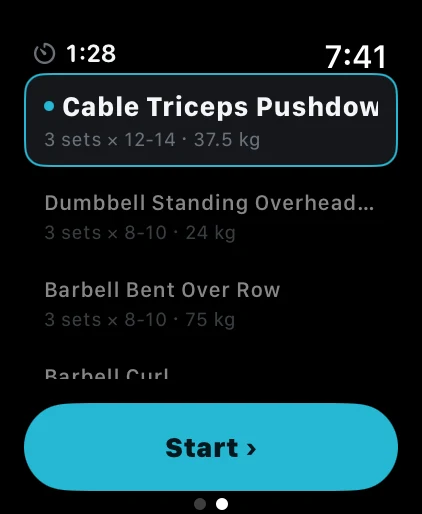
Change exercise mid-workout.
Machine taken? Swipe to the exercise list, turn the crown to another exercise and tap Start. The sets you left stay open for later.
- ✓Everything left, in one list: The exercise you are on is marked, and each row shows sets, reps and weight.
- ✓Crown, then Start: The same two moves that started the workout.
- ✓Add what the plan missed: Your bookmarked and recent exercises are at the end of the list.
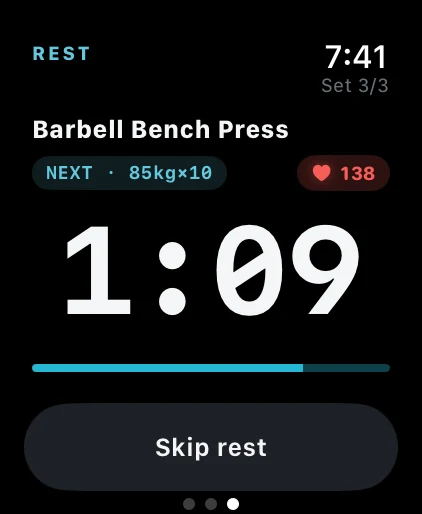
A timer that knows what's next.
Big digits and a bar count down your rest. The next set is already on screen, so when you look at your wrist mid-rest, you're already prepped.
- ✓Glance and you know: How long you've got, what's coming, no tapping required.
- ✓Next set in view: The kg × reps you are about to lift sit above the timer.
- ✓Haptic at 10s, 5s and zero: Set up. Then lift. Your wrist learns the pattern.
Fewer taps. More lift.
watchOS 9.6+ · Apple Watch Series 4 and newer · iOS 16.1+

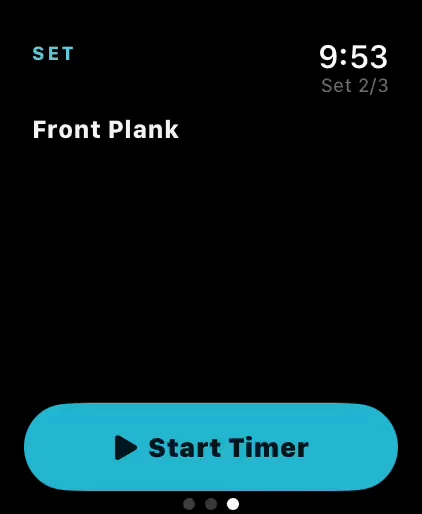
Big elapsed. Big stop button.
Plank, farmer's carry, dead hang: anything you measure in seconds. The clock takes the middle of the screen and Stop sits right under it. You can read it shaking.
- ✓Counts up to your target: A check mark appears when you reach it, and the clock keeps going if you do.
- ✓One button on screen: Start Timer turns into Stop, in red, in the same place.
- ✓Heart rate up top: Live heart rate at the top of the screen. See when intensity drops.
- ✓Auto-saves on stop: No confirmation dialog. The set is logged, you move on.
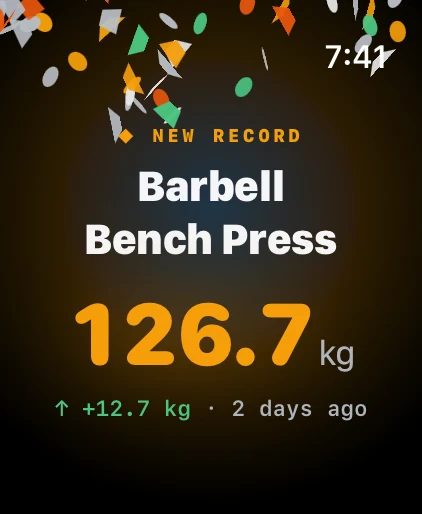
When you go heavier than ever before.
Full-screen takeover. The new record, how much you added, and how long the old one stood. Tap to dismiss, or wait. It clears itself.
- ✓Dopamine you actually earned: No streaks, no badges, no XP. The reward is for a heavier lift than last time, and the kilos are real.
- ✓Felt before it's read: Your wrist taps the moment the record lands.
- ✓Phone celebrates at the same moment: Same second on iOS. No delay, no missed PR.
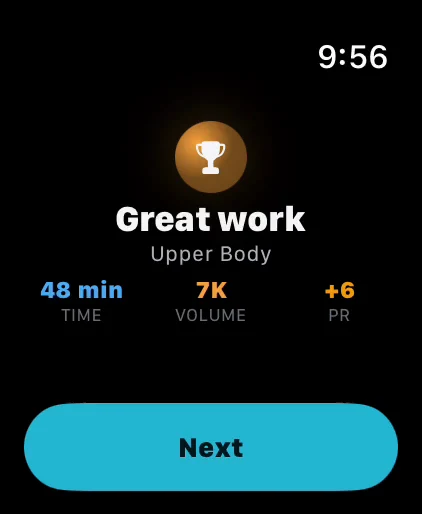
The numbers that matter, then back to life.
Time, volume, PRs. Tap Finish Workout, confirm, and the workout is on your phone and in Apple Health. Closing the gym door takes longer.
- ✓The headline, then your day: Debrief on the phone later. The watch tells you what mattered.
- ✓Rate the effort: Turn the crown from 1 to 10 and the score follows the workout into Apple Health. On watchOS 11 and later.
- ✓Saves to Apple Health automatically: Workout type, energy, heart rate. Your activity rings update themselves.
Every record from the workout, exercise by exercise.
After the summary, tap Next and each exercise shows the records you set, such as heaviest weight and estimated one-rep max, with how much you added when you beat an old one.
- ✓Counted on the summary: The PR number tells you how many records the workout gave you.
- ✓Every record type: Max weight, estimated one-rep max and the rest. When you beat a previous best, the gain is shown beside it.
The lifting app for your wrist.
watchOS 9.6+ · Apple Watch Series 4 and newer · iOS 16.1+